What Does Thermal Paste Do, and When Does It Need Replacing?
Thermal paste moves heat from a processor into its cooler. Learn the paste types, when to replace it, whether it expires and how to apply it in a desktop PC.
 4 min read
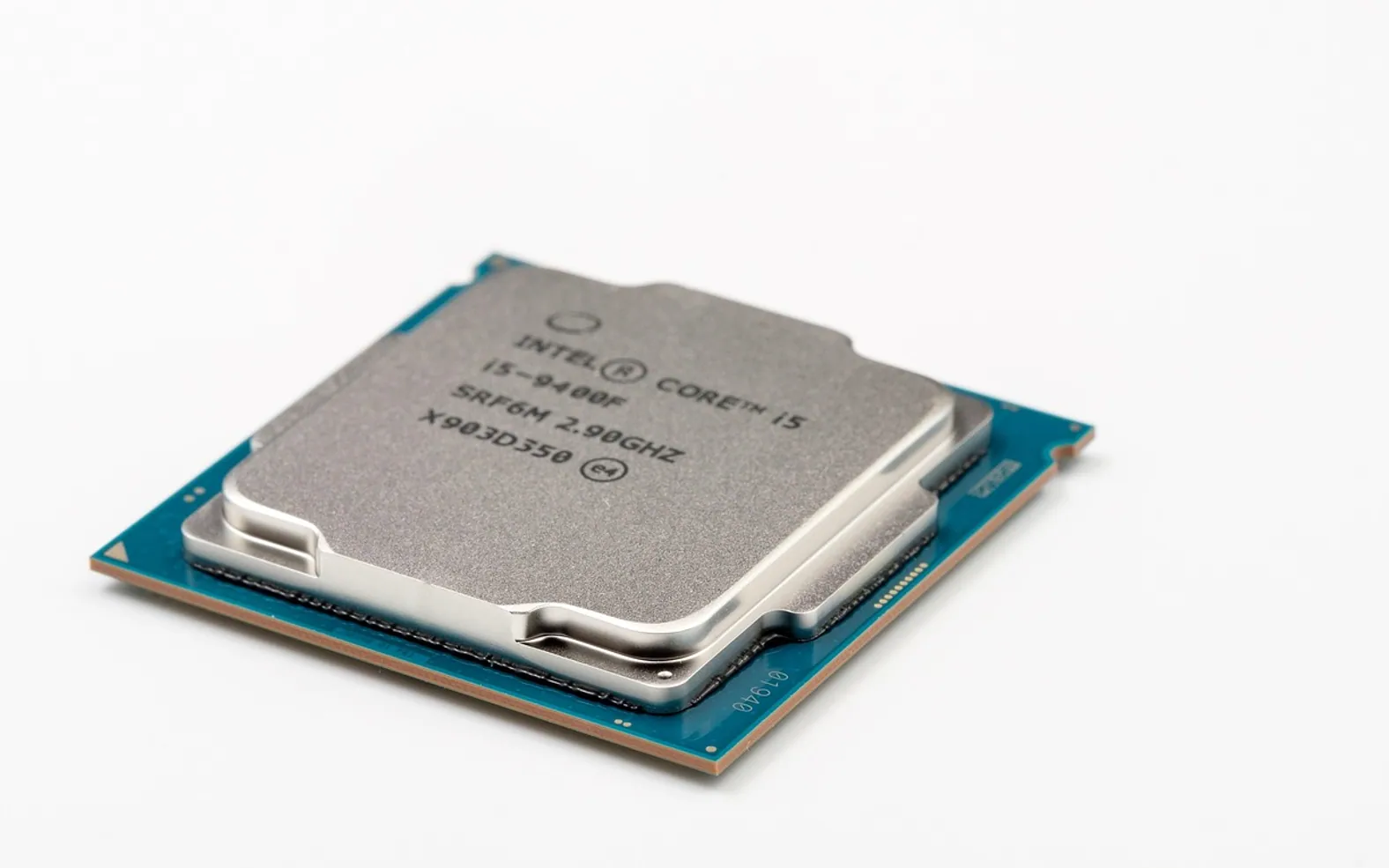
 Thermal paste fills the microscopic gaps between a processor and the base of its cooler. Both metal surfaces look flat, but under magnification they are covered in tiny ridges and pits, and the pockets between them trap air. Air is a poor conductor of heat. The paste pushes that air out and gives heat a continuous path from the chip into the cooler, where the fan carries it away. Without it, a processor runs much hotter and slows itself down to stay safe.
A few things it is not
- Not glue. The cooler is held on by screws, clips or a bracket. Paste only conducts heat.
- Not "more is better". The goal is the thinnest layer that fills the gaps. Thick layers insulate rather than help, and excess squeezes out over the edges.
- Not a fix for dust. A clogged heatsink will run hot however good the paste. Cleaning comes first, as described in how to clean dust out of a desktop PC.
Types of thermal interface material
| Type | Character | Who it suits |
|---|---|---|
| Ceramic or silicone-based paste | Electrically non-conductive, forgiving, long-lasting | Most office and home PCs |
| Metal-based paste | Contains metal particles for better transfer; some kinds can be slightly conductive | Builders after a little extra cooling, applied with care |
| Liquid metal | Excellent transfer, but electrically conductive and reacts with aluminium | Experienced enthusiasts only |
| Thermal pads | Pre-cut soft sheets of a fixed thickness | Laptops, graphics card memory, gaps paste cannot bridge |
For an ordinary desktop, a non-conductive paste is the safe default. A stray blob on the motherboard will not short anything, and it lasts for years.
When to replace thermal paste
There is no fixed service interval. Many desktops run happily on their factory paste for years. Replace it when:
- The cooler comes off. Whenever the cooler is removed, for a processor upgrade or a cooler swap, the old paste must be cleaned off and fresh paste applied. A used layer does not reseal properly.
- Temperatures have crept up on an older machine even though the case and heatsink are clean and the fans work.
- The paste is visibly dried, cracked or crumbly when you look at it during other work.
To see current temperatures, open the hardware monitor page in the firmware setup (the steps are in what BIOS and UEFI are) or use the monitoring tool from your motherboard or PC maker. Compare readings at idle and under a typical workload before and after any change.
Does thermal paste expire?
Yes, in the tube as well as on the chip. Unopened paste has a shelf life that the maker usually prints on the packaging. Over time the oils and filler can separate, and an old tube may produce paste that is dry, gritty or runny. If what comes out does not look like a smooth, even compound, buy a fresh tube; they are inexpensive and one small syringe covers several applications. Store the tube capped and at room temperature.
How to apply thermal paste on a desktop CPU
- Prepare. Shut down, unplug, ground yourself on the case, and remove the cooler following its instructions. Twist gently before lifting: old paste can stick, and on some older sockets pulling straight up can drag the processor out with the cooler.
- Clean both surfaces. Wipe off old paste with a lint-free cloth or coffee filter and high-concentration isopropyl alcohol, on the processor's metal lid and the cooler base. Let the alcohol evaporate fully.
- Apply a small amount. For most desktop processors, a dot roughly the size of a pea in the centre is plenty. Larger, rectangular chips do well with a short line or an X along the long axis. The cooler's mounting pressure spreads it.
- Mount the cooler evenly. Lower it straight down and tighten the screws a little at a time in a diagonal pattern so pressure stays even.
- Reconnect and test. Plug the cooler fan back into its header, start the PC, and confirm temperatures look normal at idle and under load.
If a repaste makes no difference, look elsewhere: a weak fan, a blocked intake, or a cooler that was never seated firmly. Lighting cables on fancy coolers are easy to reconnect wrongly, and the guide to RGB or ARGB headers explains the difference.
What about laptops?
Laptops use the same idea, often with a mix of paste and pads and a heat pipe that runs to a small fan. Repasting one involves stripping much of the machine, handling ribbon cables and getting pad thickness exactly right, and opening the case may affect a warranty. For a business laptop that runs hot, a computer support company is usually the better route than a kitchen-table repair.
Quick answers
Can toothpaste or other household pastes stand in?
No. They dry out quickly, conduct heat poorly and can leave residue. Use a product made for the job.
Do new coolers need extra paste?
Many come with paste already applied to the base, often under a protective cover. Use that on the first mount and add nothing on top.
What is new in each topic




DrawerComputerTechnology