How Long Do Laptops Last? What Actually Ends a Laptop's Working Life
Laptops rarely die all at once. See what ends their useful life, which parts can be renewed, and the questions that decide whether to repair or replace one.
 3 min read
There is no fixed lifespan printed on a laptop. Most are retired long before the hardware actually fails, because one of four things makes them frustrating to use: the battery no longer lasts, the system stops receiving security updates, the machine is too slow for the work, or a repair would cost more than it seems worth. Knowing which of those you are facing tells you whether the laptop has years left or is ready to go.
The four things that end a laptop's life
| Cause | Can it be fixed? | Typical fix |
|---|---|---|
| Worn battery | Usually | A replacement battery fitted by a service shop |
| Slow storage or too little memory | Often | An SSD swap or more RAM, where the model allows it |
| No more security updates | Rarely | Replacement, or a lighter operating system for home use only |
| Major hardware fault (board, screen, hinge) | Sometimes | Repair quote compared with the cost of a newer machine |
Signs it is wearing out
- Runtime on battery has shrunk to an hour or two, or the laptop shuts off with charge still showing.
- Start-up and opening files take noticeably longer than they used to.
- The fan runs loudly during light work, and the base gets hot.
- The system warns that updates are no longer available for this version.
- Keys, hinges or ports have become unreliable.
The battery is the easiest of these to measure. The guide to checking laptop battery health on Windows and Mac shows how to read its remaining capacity in a couple of minutes.
Repair, upgrade or replace?
Work through these questions in order:
- Does it still get security updates? If not, replacing it is the sensible choice for anything that handles business data, email or banking.
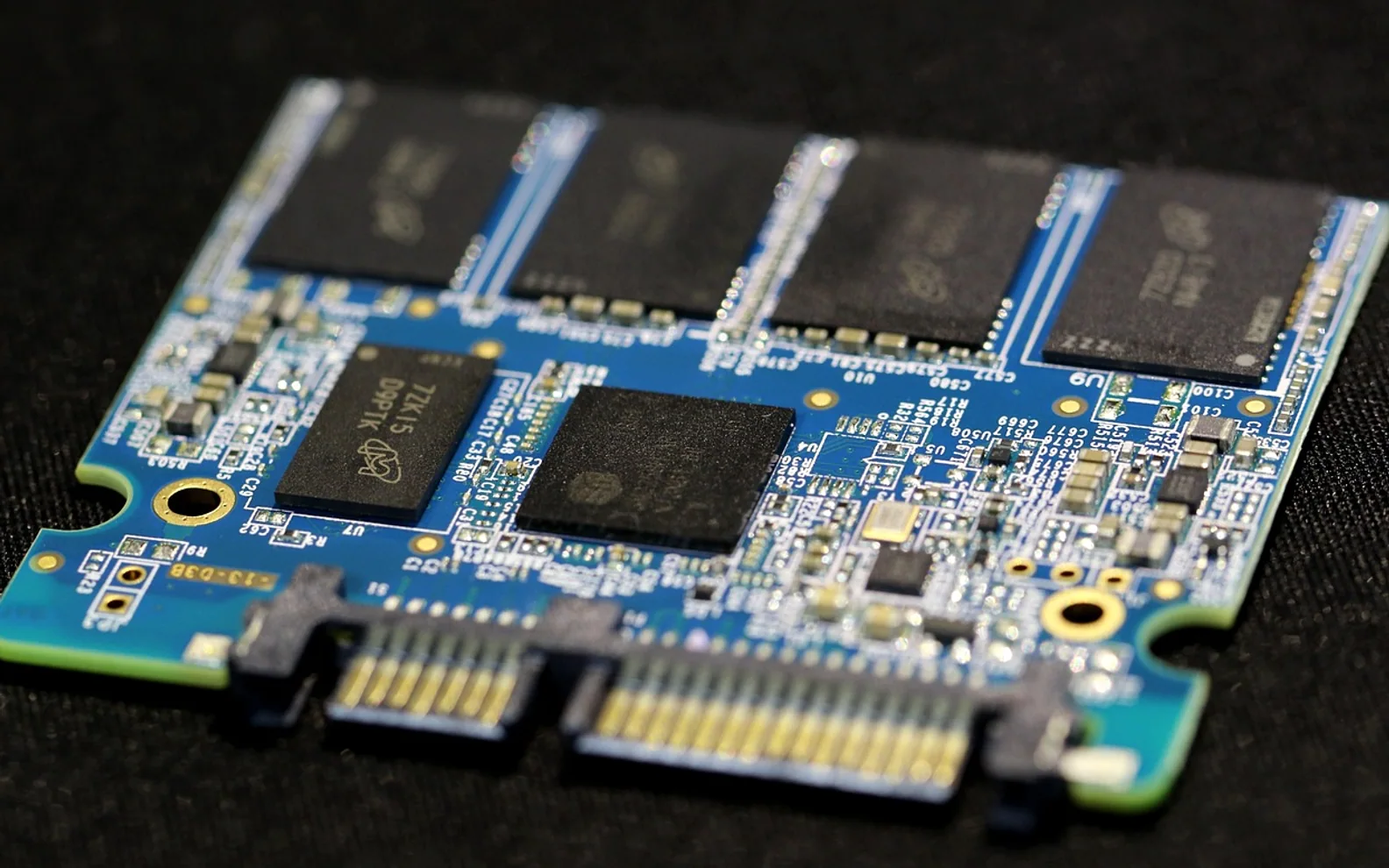
- Is the slowness about storage? A laptop with an old spinning hard disk often feels new again after moving to an SSD; the difference between SSD and HDD drives explains why.
- Is there enough memory? Some laptops have a free slot or replaceable memory, many newer thin models do not. How much RAM you need depends on the work, and the answer may show that memory was never the bottleneck.
- What does the repair cost against a replacement? Get a written quote. A battery or keyboard is often good value on an otherwise capable machine; a new logic board on an old one rarely is.
Business laptops and home laptops age differently
A laptop that travels to client meetings every day, sits in a bag and runs on battery for hours wears faster than one that stays on a kitchen table. Hinges, ports and keyboards take the strain of constant opening, plugging and typing, and the battery goes through far more charge cycles. Business models are often built with that use in mind, with sturdier frames, easier access to parts and longer support from the maker, which is part of why they cost more at the start.
A home laptop used for browsing, letters and video calls may stay useful well beyond the point where a busy work machine feels worn out. The deciding factor there is usually software: once the system stops receiving security fixes, it is no longer a safe place for email and online banking, however well the hardware is holding up.
Making the next one last longer
- Buy with headroom: a little more memory and storage than you need today.
- Keep it cool and use it on hard surfaces.
- Turn on the battery charge limit if the laptop spends most days plugged in.
- Install updates promptly and keep a backup somewhere other than the laptop.
- Choose models with a long promised update period where the maker publishes one.
For a business with several laptops, keeping a simple list of each machine's purchase date, battery condition and update status makes replacements a planned expense rather than a surprise. A computer support company can keep that list for you and flag machines before they fail on the road.
What is new in each topic


DrawerComputerTips & Advice