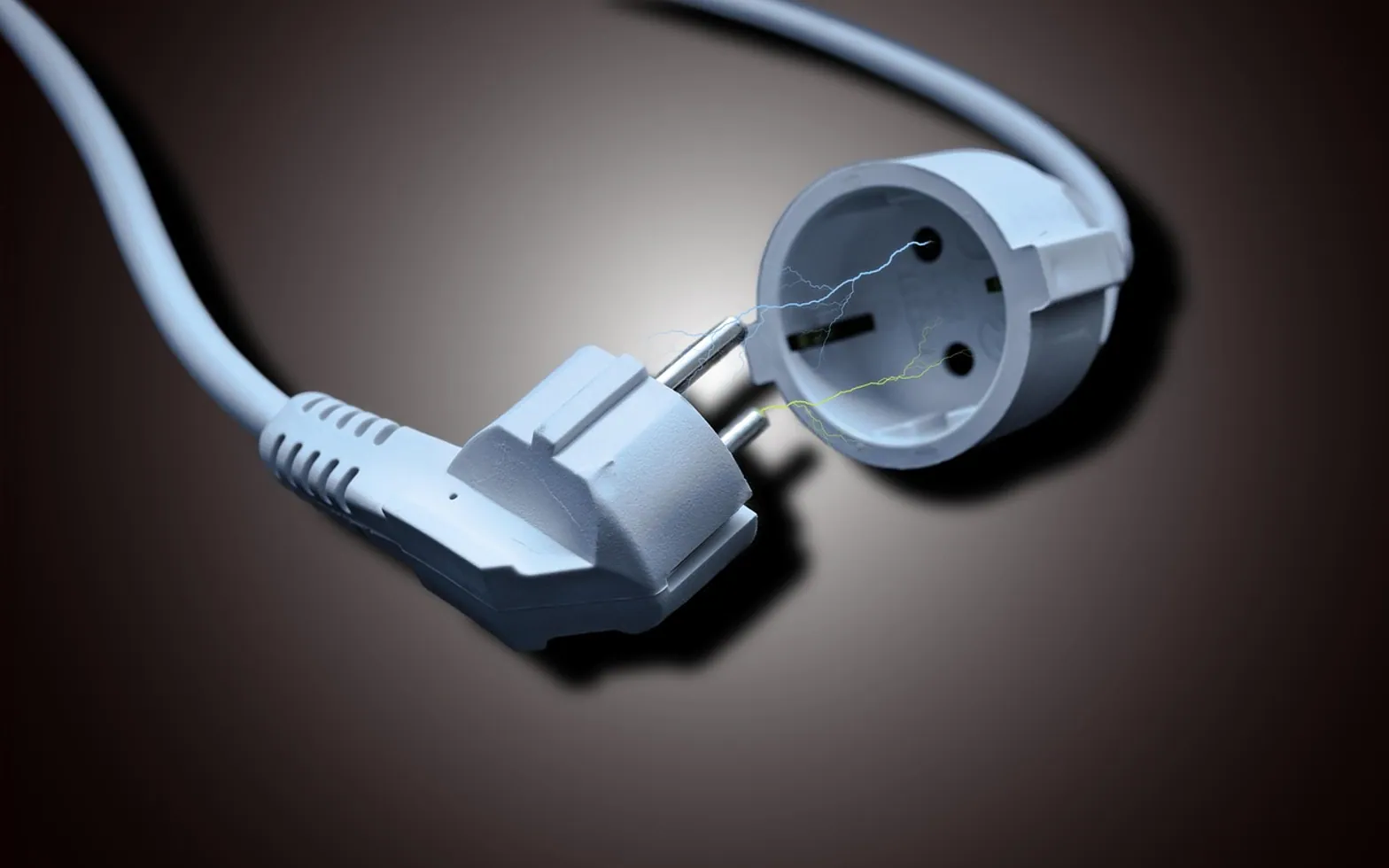
A UPS, short for uninterruptible power supply, is a box with a rechargeable battery that sits between the wall socket and your equipment. While mains power is normal it passes power through and keeps its battery charged. When the power cuts out or sags badly, it switches to battery within a fraction of a second, so a desktop keeps running long enough for someone to save files and shut down cleanly. It is not a generator: the aim is minutes of bridging, not hours of normal work.
What a UPS protects against
- Blackouts: sudden total loss of power, which can corrupt open files and, in rare cases, damage a drive mid-write.
- Brownouts and sags: dips in voltage that make lights flicker and can reboot a PC without warning.
- Surges and spikes: brief overvoltage, for example from nearby lightning or heavy equipment switching on.
- Short flickers: the half-second blips that are too brief to notice on a lamp but long enough to restart a router or modem and drop every video call in the office.
The three main types
| Type | How it works | Typical use |
|---|---|---|
| Standby (offline) | Passes mains power straight through and flips to battery when it fails | A single home or office PC, a router |
| Line-interactive | Adds automatic voltage regulation, correcting mild sags and swells without touching the battery | Small offices, areas with frequent dips |
| Online (double conversion) | Runs equipment from its inverter all the time, so there is no switchover at all | Servers, network cupboards, sensitive equipment |
Online units give the cleanest power but cost more, run warmer and often have audible fans. For most desks, a line-interactive model is the practical middle ground.
UPS vs surge protector
A surge protector diverts brief overvoltage away from your devices. It has no battery, so when the power goes, everything plugged into it goes too. A UPS normally includes surge protection and adds the battery. Many units have two groups of outlets, one battery-backed and one surge-only, and the labels matter:
- Plug the computer, monitor, router, modem and network storage into the battery outlets.
- Plug laser printers, heaters, desk lamps and anything with a heating element into the surge-only outlets or the wall. Their power draw can overload a UPS the moment it switches to battery.
How to size one
A UPS lists two ratings: VA (volt-amperes) and watts. The watt figure is the one to compare with your equipment, and it is always the lower of the two.
- List what will be on battery: tower, monitor, router, perhaps a small network storage box.
- Find each device's power figure on its label, power adapter or spec sheet, and add them up.
- Pick a UPS whose watt rating comfortably exceeds that total, leaving headroom rather than running near the limit.
- Check the maker's runtime chart for your load. Runtime falls quickly as load rises, so a half-loaded unit lasts much more than half as long as a fully loaded one.
Two further details are worth a look. Some desktop power supplies prefer a UPS with pure sine wave output rather than a stepped or "simulated" one, and the product sheet states which it provides. And a USB or network connection lets the UPS tell the computer the battery is running low, so the machine can shut itself down when nobody is in the office.
What to put on a UPS first
In a small office the order of priority is usually:
- Shared storage or a small server, which suffers most from sudden power loss.
- The internet router and modem, so calls and cloud-based systems survive brief blips.
- Desktops where people do long, unsaved work.
Laptops already have their own battery, which is one reason they cope with outages better, as long as that battery is still healthy. The guide to checking laptop battery health shows how to find out.
How long does a UPS last?
The electronics usually outlive the battery by a wide margin. Most units use sealed lead-acid batteries that gradually lose capacity and typically need replacing every few years; heat shortens that, so a UPS in a warm cupboard ages faster than one under a cool desk. The manual states the expected interval and the correct replacement battery.
Signs the battery is near the end:
- A replace-battery light, a failed self-test, or a distinctive repeating beep.
- Runtime noticeably shorter than when the unit was new.
- The unit drops the load immediately when you unplug it from the wall during a test.
A simple twice-yearly test, with work saved first, is to pull the UPS plug from the wall and confirm that everything stays on for a minute. Many units can also run a self-test from a button or their software.
Short answers
Does a home office need one?
If outages or flickers happen where you live, a small UPS for the desktop and router is inexpensive insurance against lost work and dropped calls. In areas with very stable power it is less pressing.
Can a UPS run a PC through a long outage?
Not a typical desk unit. Plan to save and shut down within the first few minutes. Longer runtimes call for larger battery systems or a generator, which are specialist projects.
Who should set it up for several machines?
Automatic shutdown across several computers and a server takes some configuration. A computer support company can size the units and test the shutdown sequence.
What is new in each topic




UPS sizing helper
Tap what should keep running on battery, type the watts from each device's label, and pick how much headroom you want. You get the load and a minimum watt rating to look for.
load as a share of the suggested rating
A starting point for shopping, not a guarantee. Compare the UPS's watt rating (the lower of its two numbers, not the VA figure) with the result, and check the maker's runtime chart for your load before you buy.