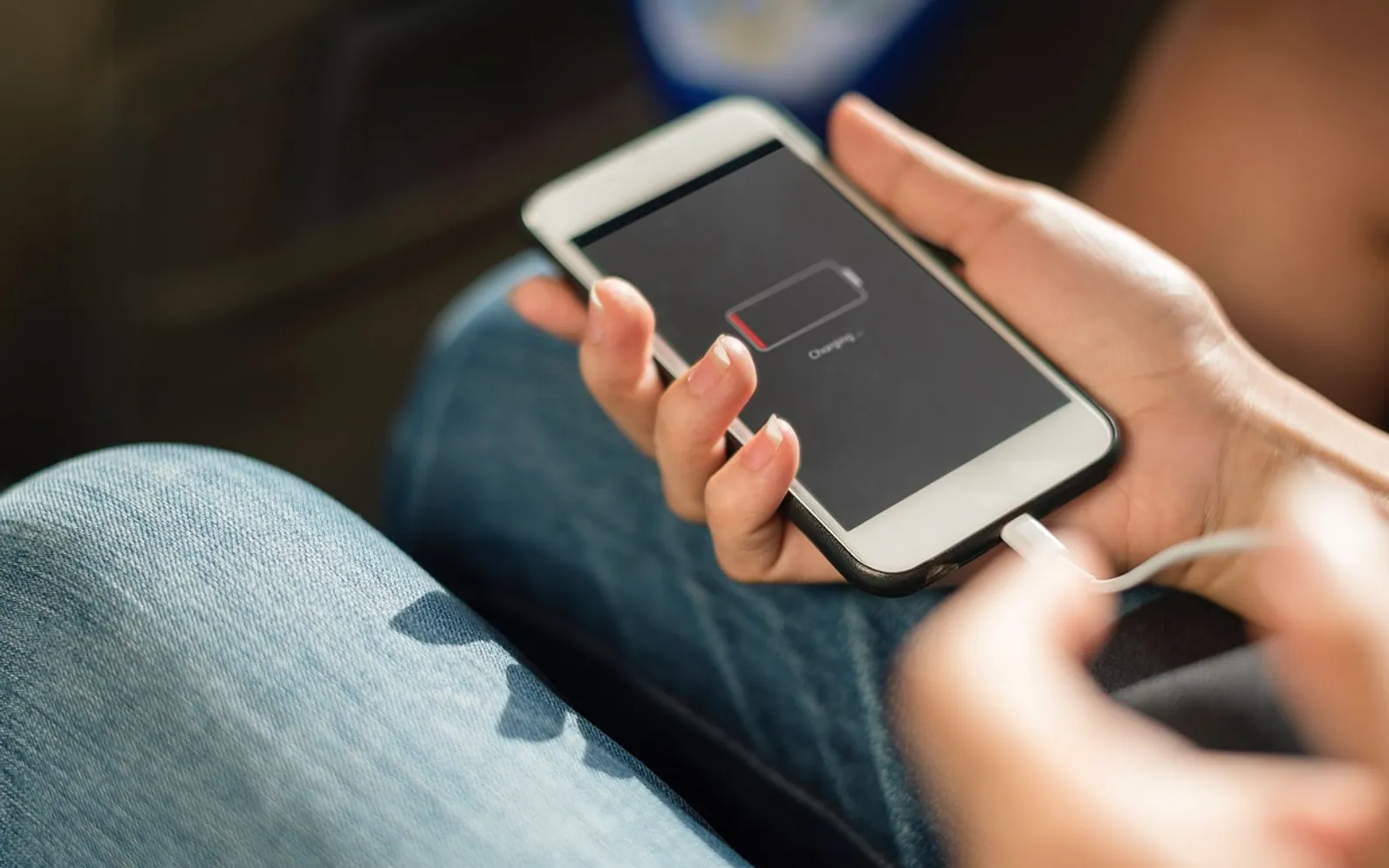
How to Clean a Phone Charging Port When the Cable Stops Clicking In
Pocket lint is the usual reason a phone charges slowly or the cable falls out. How to check the port, clear it safely and spot faults that need a repair shop.
 4 min read
The cable used to slide in with a firm click. Now it sits loosely, the phone charges only when propped at a certain angle, and some mornings it has not charged at all. Before blaming the battery or booking a repair, look inside the port. Pocket lint, dust and crumbs get pushed in every time the plug goes in, and over months they pack into a felt layer at the back of the socket that stops the connector seating fully.
Rule out the easy causes first
A dirty port is common, but a few other faults look exactly the same. Spend two minutes on these before poking anything into the phone:
- Try another cable and charger. Cables fail at the plug end far more often than phones fail at the socket.
- Try another socket or computer port. A worn wall adapter can deliver too little power to charge properly.
- Restart the phone. A software glitch occasionally stops charging until the next restart.
- Check for a moisture warning. Many phones refuse to charge by cable when they detect liquid in the port and say so on screen. Let the phone dry naturally, port facing down, and do not use heat.
- Try wireless charging if the phone supports it. If that works normally, the problem is almost certainly the port or the cable.
Look before you clean
Switch the phone off. Shine a torch into the port at a shallow angle, or take a zoomed photo of it with another phone, which often shows more than your eyes will. A healthy port shows clean metal or plastic all the way to the back. A dirty one shows a grey or dark layer pressed against the far wall, sometimes with visible fibres.
Cleaning the port safely
What to use
- A wooden or plastic toothpick, ideally a flat one.
- A soft, dry, clean toothbrush or a small anti-static brush.
- A can of compressed air or a hand-held air blower, optional.
What never to use
- Metal pins, paper clips or needles. They can scratch the contacts or short them.
- Water, or cotton swabs soaked in liquid.
- Cotton buds pushed in dry. The fibres snag and leave more fluff behind.
Step by step
- Keep the phone switched off for the whole job.
- If you have compressed air, give the port two or three short bursts from a little distance, holding the can upright.
- Slide the toothpick gently along the inside walls toward the back, then lift it out with a scraping motion. Avoid the centre of a USB-C port, where the thin contact tongue sits.
- Tip the phone port-down and tap it lightly so loosened lint falls out.
- Repeat in small passes. It can take several before the plug clicks home again; patience matters more than force.
- Brush the opening, switch the phone on and test with a cable you know works.
When cleaning is not enough
If the port is clean and the plug still feels loose, the spring contacts inside may be worn or bent. Signs of a hardware fault include a port that wobbles, visible corrosion (green or white crust), a phone that gets hot at the bottom edge while charging, and charging that cuts out when you touch the cable. Those jobs belong with a technician. For iPhone owners weighing up the options, the overview of which iPhone repairs suit a home fix and which need a shop explains where a port swap sits on that scale.
Also rule out the battery itself. A phone that charges normally but drains quickly has a different problem, and the guide to checking battery health on Android shows how to tell wear from a charging fault.
Other gadgets with the same problem
Earbud cases, tablets and handheld game consoles collect lint in exactly the same way and respond to the same gentle method. Smartwatches are different: most charge through flat contacts or a magnetic puck rather than a socket, so the fix is wiping the contacts and the charger with a dry cloth. The guide to fixing common Apple Watch problems covers charging trouble on that device in more detail.
Keeping the port clean
- Carry the phone port-up in pockets where possible, or in a case with a port cover.
- Do not leave it loose in a bag with crumbs, sand or tobacco.
- Look into the port with a torch every few months; a quick clean is easier than a deep one.
- Plug and unplug by holding the connector, not by pulling the cable.
Common questions
Can I use isopropyl alcohol?
Phone makers generally advise against putting liquids into ports. Dry methods are safer, and they clear lint, which is the usual culprit.
Will cleaning void the warranty?
Gently clearing debris from the outside is routine care. Opening the phone or damaging the contacts is a different matter, so stop if anything feels stuck and let a repair shop take over.
What is new in each topic


DrawerSmartphonesTips & Advice