RGB OR ARGB?
RGB lights a whole strip in one colour; ARGB controls each LED on its own. How they differ in headers, controllers and effects, and which suits your PC build.
Updated
 2 min read
 Open any PC parts listing and you will see two lighting labels that look nearly identical. Fans, strips, coolers and cases are sold as either RGB or ARGB, and the single extra letter changes how the lights behave, what they plug into and which effects are possible. Here is a plain-language comparison for anyone planning a build or upgrading an old one.
RGB in a nutshell
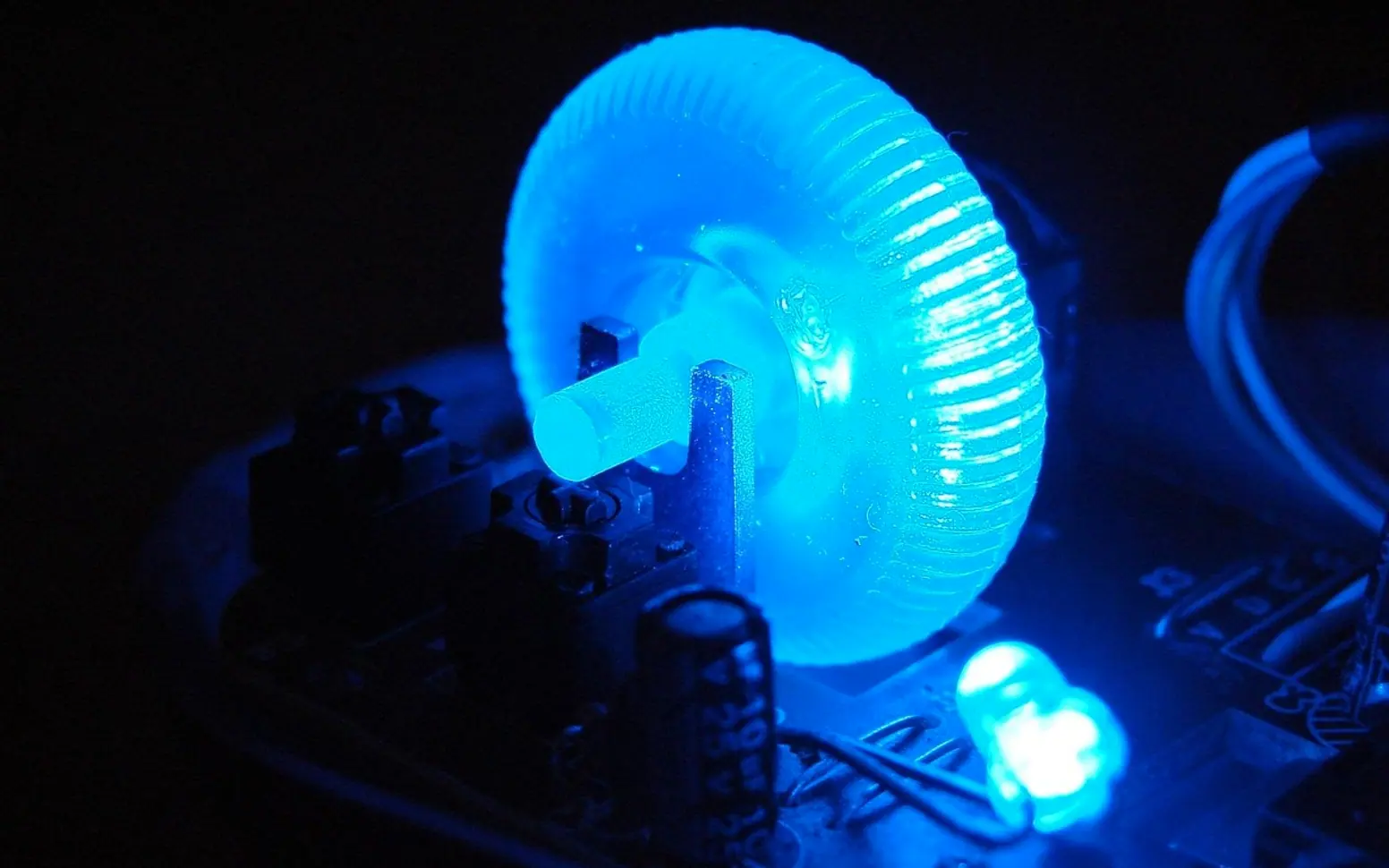
RGB refers to red, green and blue, the three primary colours of light. Blend them at different intensities and you can produce a huge range of hues, which is why the same principle drives monitors, televisions and phone screens. In the context of PC accessories, an RGB product contains LEDs that can each mix those three channels.
The catch is that standard RGB components treat every LED on a strip or fan as a single group. You can choose any colour, and you can make it pulse or cycle, but the whole device shows one shared colour at any given moment. For a clean, uniform look, such as a case glowing soft white or matching a team colour, that is often all anyone needs.
What the A adds
ARGB stands for addressable RGB. Each LED, or small cluster of LEDs, contains a tiny control chip, so the controller can tell individual points which colour to show. That opens up effects ordinary RGB cannot manage: rainbow waves that travel around a fan, colours that chase along a strip, or lighting that reacts to audio and in-game events.
Many builders choose ARGB so their rig can match a favourite game theme or shift through several colours at once. Others use it more quietly, for gradients that fade from one shade to another across a panel.
Side-by-side comparison
| Feature | RGB | ARGB |
|---|---|---|
| Colour control | Whole device at once | Per LED or zone |
| Typical motherboard header | 12V, four pins | 5V, three pins |
| Setup effort | Simple | A little more software tuning |
| Lighting modes | Solid colour, slow pulse, cycling hues | Waves, chases, gradients, reactive modes |
The connector warning
The two standards use different voltages and plugs. Connecting addressable lights to the higher-voltage socket risks frying them, so check your motherboard manual before connecting anything. If the board lacks the header you need, a separate hub or controller can bridge the gap. Mixing both types in one case is possible, though syncing them may need software that recognises each.
Which should you pick?
If you want one steady colour and a straightforward install, standard RGB is perfectly capable. If you enjoy animated effects or plan to sync lighting across many components, ARGB gives far more freedom. For a deeper technical breakdown with diagrams, this guide to RGB vs. ARGB covers the topic thoroughly and is a helpful next read before you order parts.
Whichever route you take, plan cable routing early. Lighting looks best when the wires behind it are tidy, and it is far easier to arrange them before the graphics card goes in.
What is new in each topic




DrawerComputerTechnology