FIX IT: A Few Ways to Fix Common Issues With Apple Watches
Simple fixes for a blank Apple Watch screen, charging trouble, frozen apps and pairing glitches, plus signs that it is time for a professional repair.
Updated
 2 min read
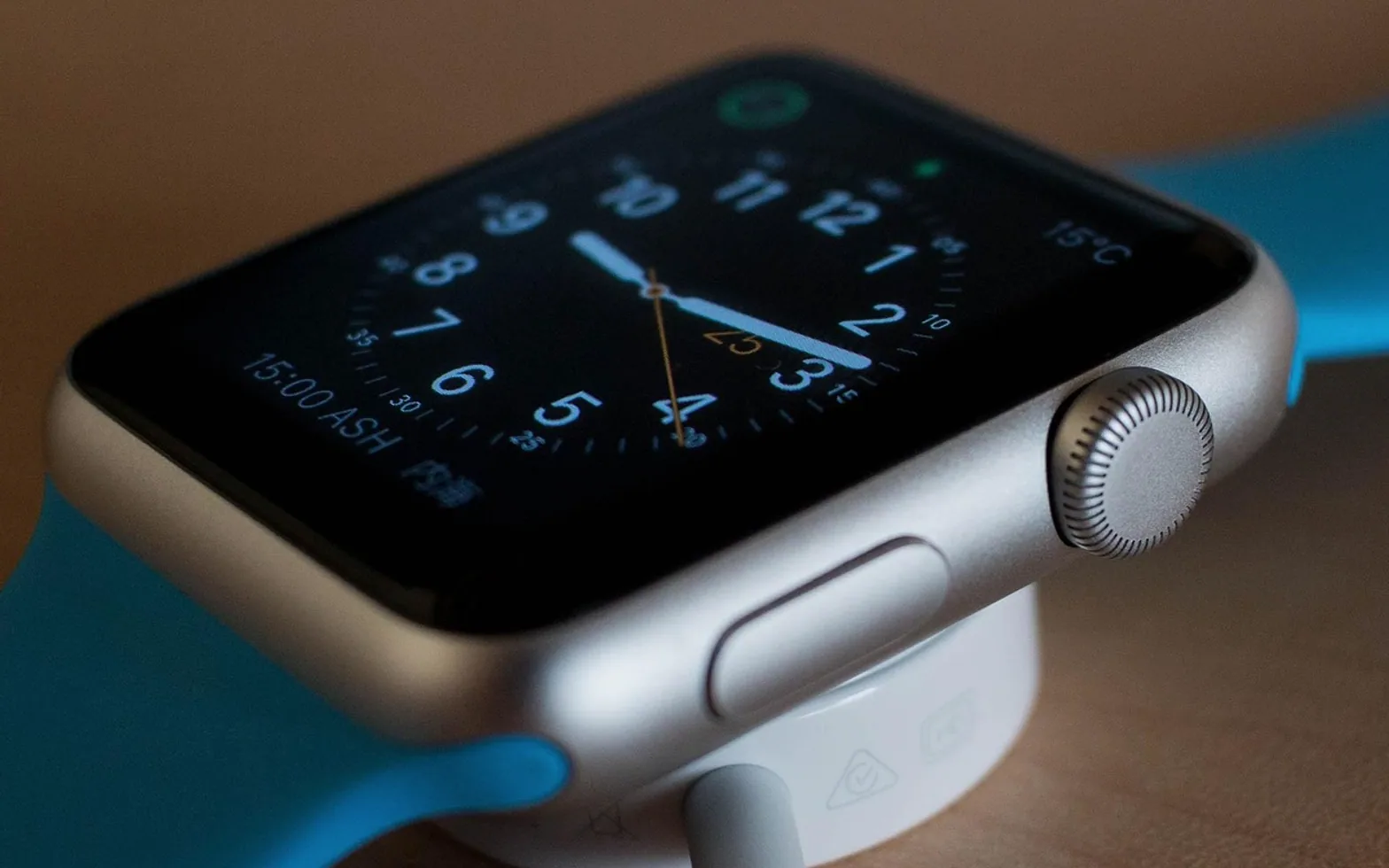
 An Apple Watch is a remarkably dense piece of engineering, which is exactly why most owners should not reach for a screwdriver when it misbehaves. The good news is that many everyday faults come from software hiccups, a dirty charger or a weak Bluetooth link, and those can be sorted in a few minutes at the kitchen table. Hardware faults are a different story, so it helps to know where the line sits.
When the screen stays black
A dark display does not always mean a dead watch. Work through these checks in order:
- Place it on the charger and wait a little while; a fully drained battery may take some time before anything appears.
- Make sure Theater Mode or a low-power setting is not simply keeping the screen dim.
- Force a restart by holding the side button and the Digital Crown together until the Apple logo shows.
- If nothing changes after charging and a restart, the battery or display may be at fault and needs inspection.
Charging problems
Most charging complaints trace back to the basics. Wipe the back of the watch and the charging puck with a soft, dry cloth, because skin oils and dust can stop the magnet from seating properly. Remove any protective case that adds distance between the two surfaces. Try a different power adapter and a different wall socket, and use a charger designed for the watch rather than a third-party pad that only looks compatible. If a green lightning icon still refuses to appear, restart the watch while it sits on the charger.
Frozen apps and sluggish performance
An app that hangs or closes on its own is often fixed by updating. Install the latest watchOS from the Watch app on the paired iPhone, and update the iPhone too, since the two rely on each other. Then remove apps you never open, because storage and background activity both affect responsiveness. If one app keeps crashing, delete it and reinstall it. A full reset, which erases the watch and lets you restore from a backup, is the final software step and worth trying only after the simpler ones.
Pairing and connection glitches
Missing notifications usually mean the watch and phone have lost touch. Check that Bluetooth is on, that Airplane Mode is off on both devices and that the phone is within reasonable range. Turning Wi-Fi and Bluetooth off and on again on the iPhone often restores the link. As a last resort, unpair and pair again, letting the process create a fresh backup first.
When to pass the job to an expert
Cracked glass, a swollen battery that lifts the screen, water damage or buttons that no longer click are hardware issues. Opening the case yourself can damage seals and may affect warranty coverage, so check whether your device is still covered by Apple or an AppleCare plan. Outside that, specialist apple watch repairs shops can diagnose faults with the proper tools and replace parts such as screens and batteries, which often costs less than buying a new watch and keeps a perfectly good device on your wrist.
What is new in each topic




DrawerTechnologyTips & Advice